AI Podcast Layouts. Auditory Branding.
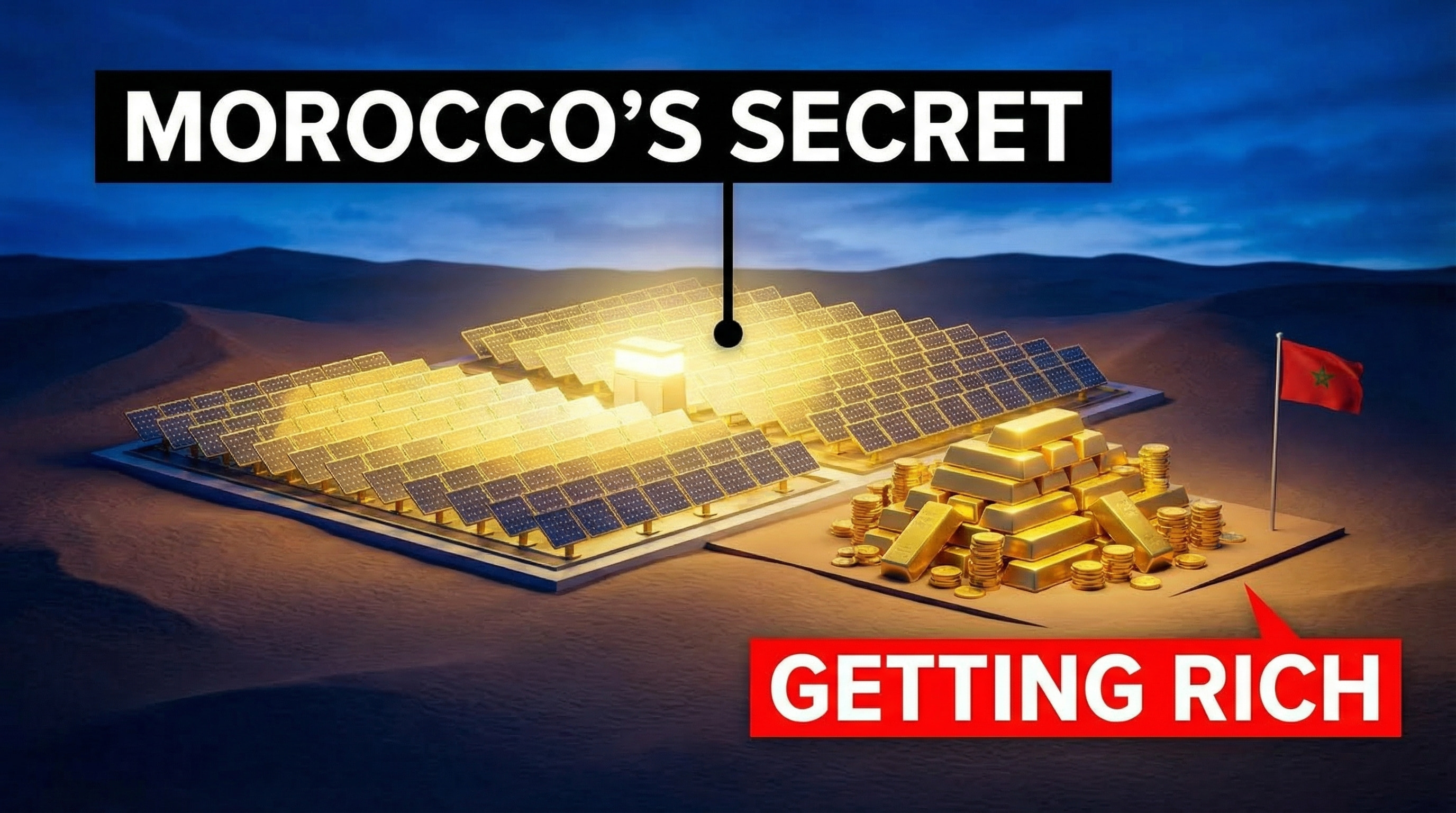
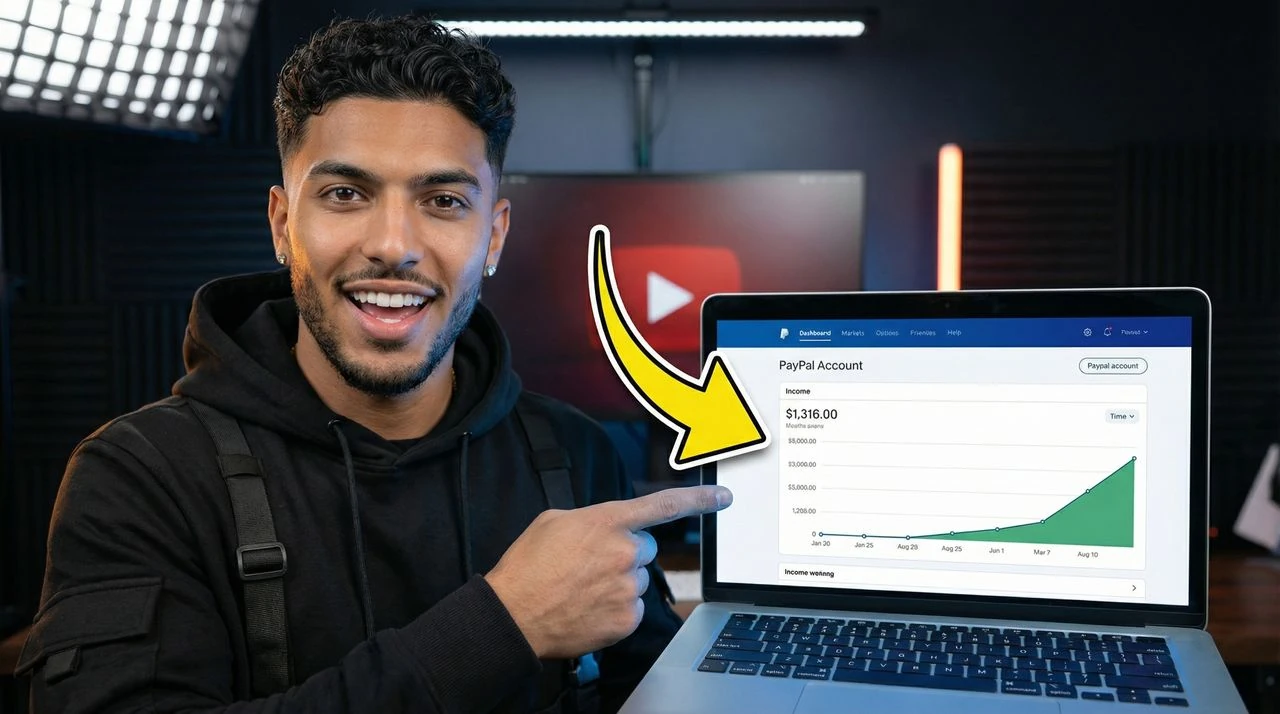
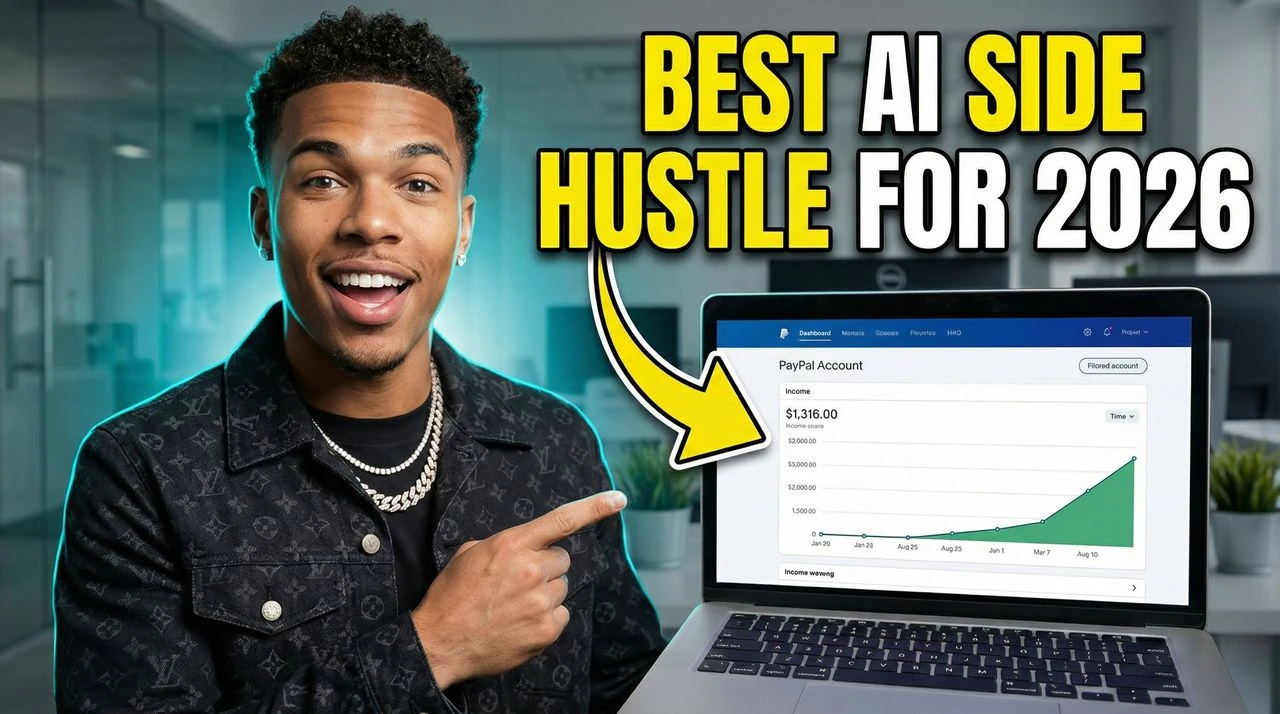
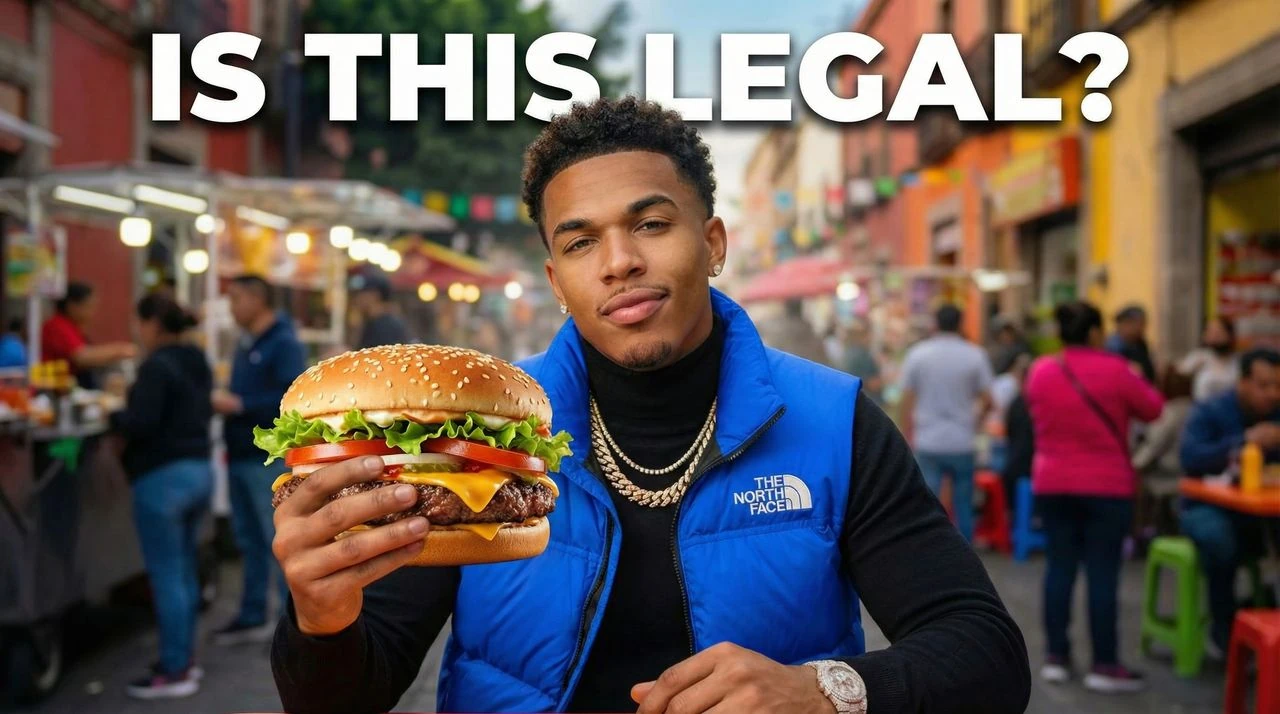
Ditch generic square grids. Generate high-conversion Podcast Thumbnails for YouTube and distribution networks featuring premium side-by-side grids, studio lighting adjustments, and clean typography.
How to Make Podcast YouTube Thumbnails
Convert guest details and audio concepts into authoritative, highly polished video thumbnails inside of 60 seconds.
- Generate from Text: Describe your video topic and AI creates 4 thumbnail options instantly. Perfect for beginners.
- Recreate Any Viral Thumbnail: Paste any YouTube URL. AI analyzes what works and recreates the style with your content.
- Improve with AI Editing: Tell the AI what to change in plain English. Adjust colors, text, layout—no Photoshop needed.
Establish instant prestige in the recommendation feed.
Podcast thumbnails need to communicate authority and immediate value. Here is how our professional design layout system converts listeners into regular subscribers. Optimized for AI Podcast Thumbnail Maker, podcast thumbnails, conversational split grids, episodic interview layouts, and searches related to side-by-side host and guest frames, featured guest close-ups, audio highlight covers.
- Balanced Multi-Subject Grids: Enforce perfect symmetry between host and guest assets, utilizing clean background splits and professional framing borders.
- High-Weight Typographic Headers: Deploy clean, premium fonts optimized for rapid reading, making sure topic headlines remain legible even at small thumbnail scales.
- Studio-Grade Depth & Shadowing: Apply realistic studio lighting fx, deep canvas vignettes, and clean drop shadows that match high-end network production design.
- Multi-Platform Safe Zones: Compositions keep key visual assets and titles centered, ensuring the graphics look excellent whether viewed in 16:9 on YouTube or cropped to square on audio platforms.
- Designed for "AI Podcast Thumbnail Maker" searches: Optimized to align with searches for "AI Podcast Thumbnail Maker" and "podcast thumbnails", helping your videos gain visibility in YouTube search and suggested feeds.
- Tailored to Podcast and Talk Shows channels: Built around actual creator patterns like side-by-side host and guest frames and featured guest close-ups, matching your layouts to your specific audience's expectations.
- Solves Podcast and Talk Shows design challenges: Our AI-powered studio directly handles critical choices like background separation, clear readability, and contrast scaling.
Podcast Layout Guidelines
VisualKit is free to try, with premium subscription plans starting at $20/month for high-speed custom generations.
What design elements maximize click-through rates for interview podcasts?
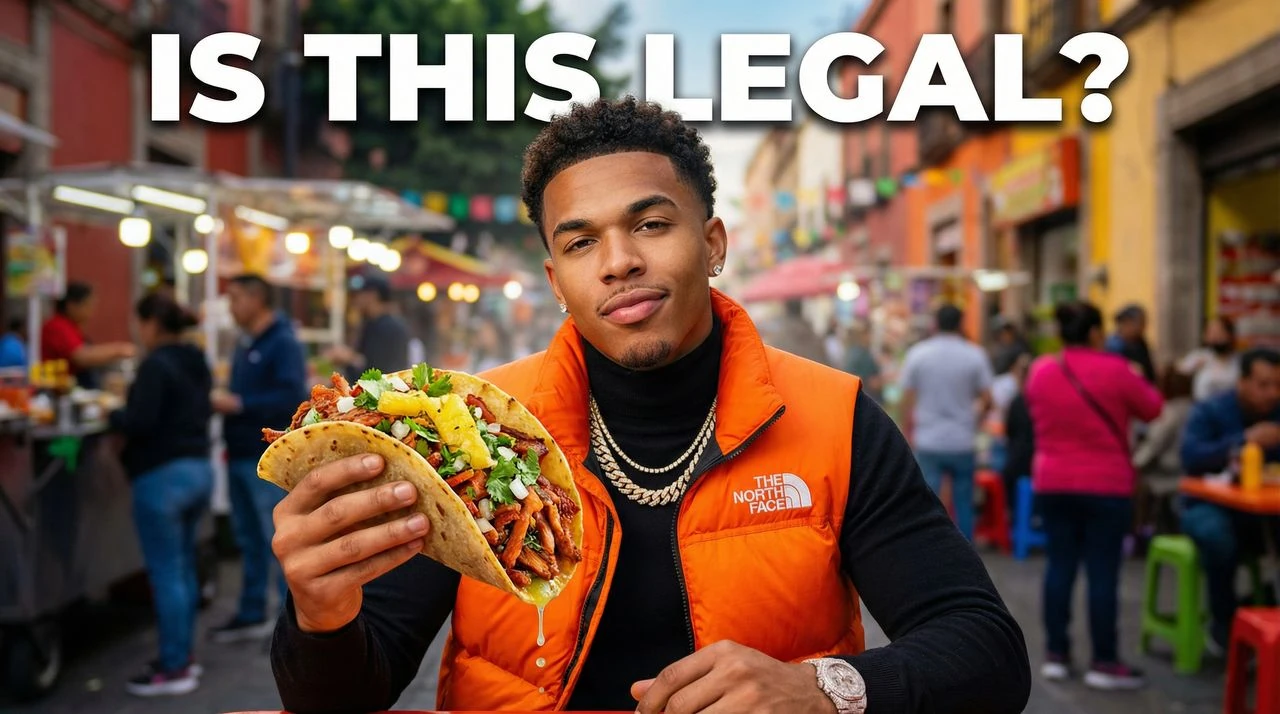
High-contrast, isolated close-ups of both host and guest faces paired with short, bold topic keywords. This lets viewers instantly identify who is speaking and why the conversation matters.
Can I manage multi-person panel setups or solo show layouts?
Yes. The layout engine scales dynamically depending on your inputs, switching from clean single-host designs to symmetrical multi-subject split matrices easily.
What resolution matrix is used to protect typography details?
All outputs render natively at 1280x720 16:9 HD, utilizing sub-pixel text smoothing to keep names, titles, and episode numbers crisp across all screens.
Will these layouts work across both YouTube and audio platforms like Spotify?
Yes. By keeping core elements properly centered, the 16:9 video layout templates easily adjust to standard square configurations for audio feeds.
Should I include full episode titles on the thumbnail graphic?
No. Avoid cramming long text onto the canvas. Use short, punchy 2-to-4 word hooks that capture the biggest topic of the conversation, leaving the full title for the metadata text.
How long does it take to create a consistent style library for a show?
The generation engine outputs custom variations in under a minute, allowing production teams to maintain a highly cohesive visual theme across full seasons.
What makes a dedicated AI Podcast Thumbnail Maker better than a basic image editor?
Standard graphic tools require tedious, manual design. A specialized AI Podcast Thumbnail Maker is built for the exact requirements of Podcast and Talk Shows content—instantly generating high-end variations in under 60 seconds to help support your channel's CTR.
Can I use this studio to generate assets like conversational split grids?
Yes, the system is highly versatile. It automatically adapts spacing and dimensions to help you create "conversational split grids" or specialized standalone channel graphics without breaking your visual brand consistency.
How do I optimize the generation logic to improve my Podcast and Talk Shows CTR?
Focus on clean focal points (such as highlighting your central side-by-side host and guest frames assets), limit text overlays to 2 or 3 bold words, and let the AI balance contrast ratios so your thumbnails stand out in crowded home feeds.